
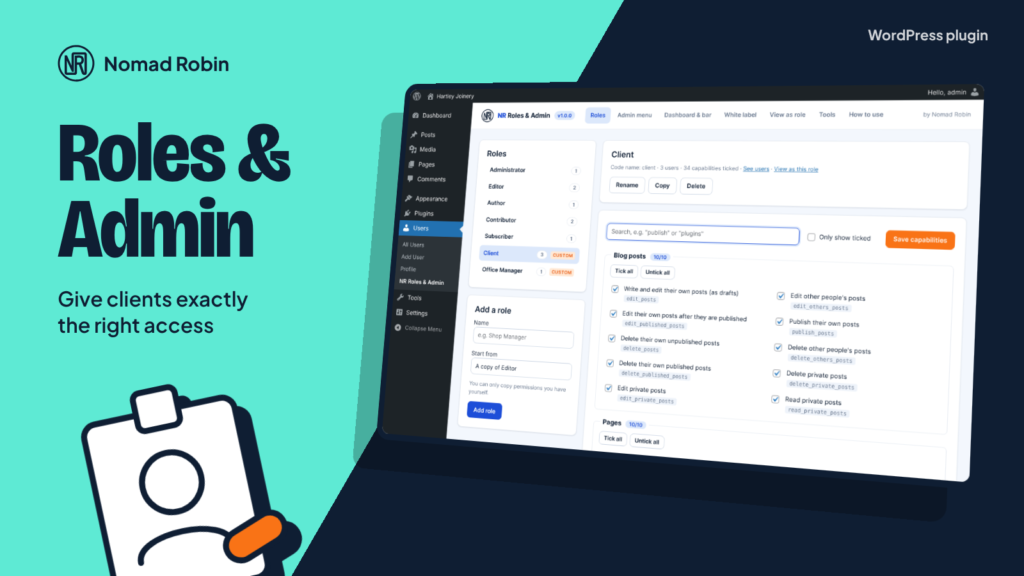
When you hand a website over to a client, WordPress shows them everything: plugin settings, tools, updates, news widgets and menus they’ll never need. NR Roles & Admin lets you decide exactly what each person can do and see, and makes the admin look like yours.
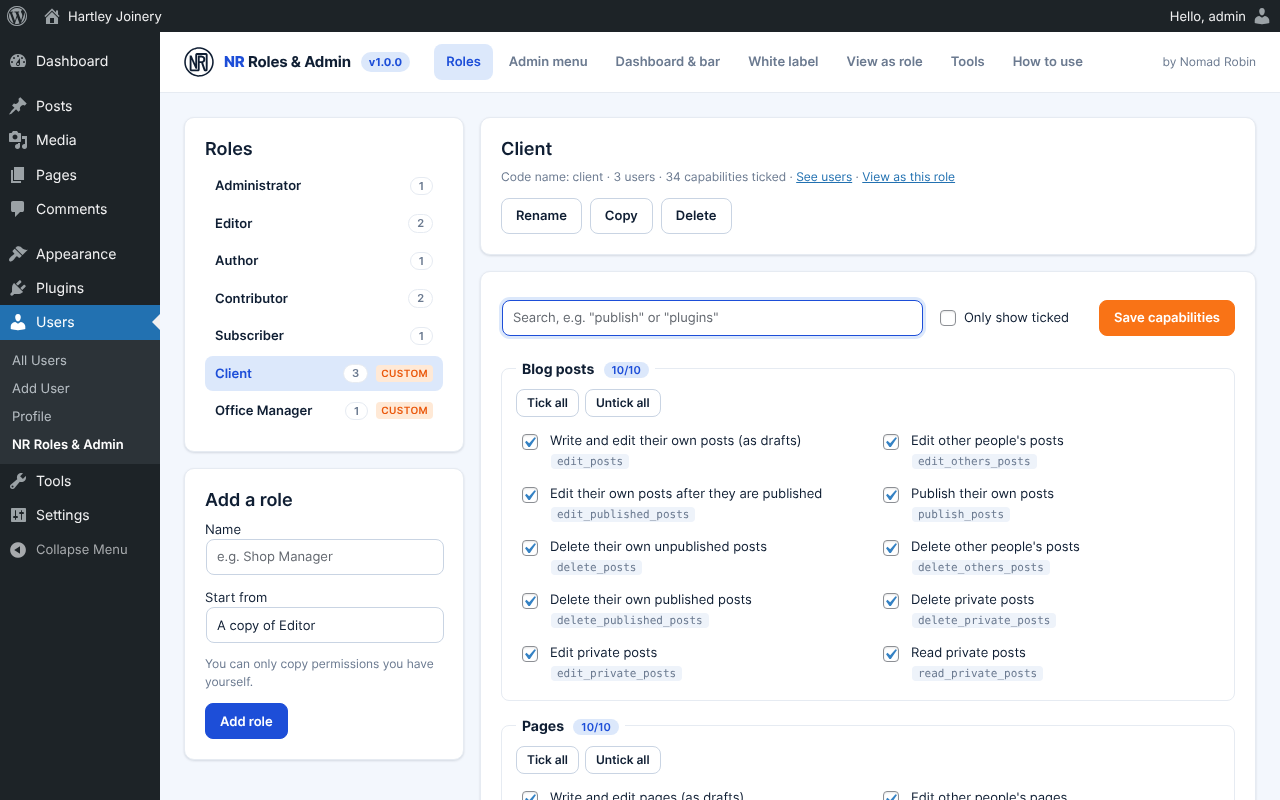
The role editor explains every permission in plain English (“Publish pages”, “Install new plugins”) instead of code names, grouped into Blog posts, Pages, Media, Plugins, Users and Settings, with a search box. Create a role for your client in seconds by copying Editor, then tick or untick what it may do. Rename, copy and delete roles, and give any user more than one role.
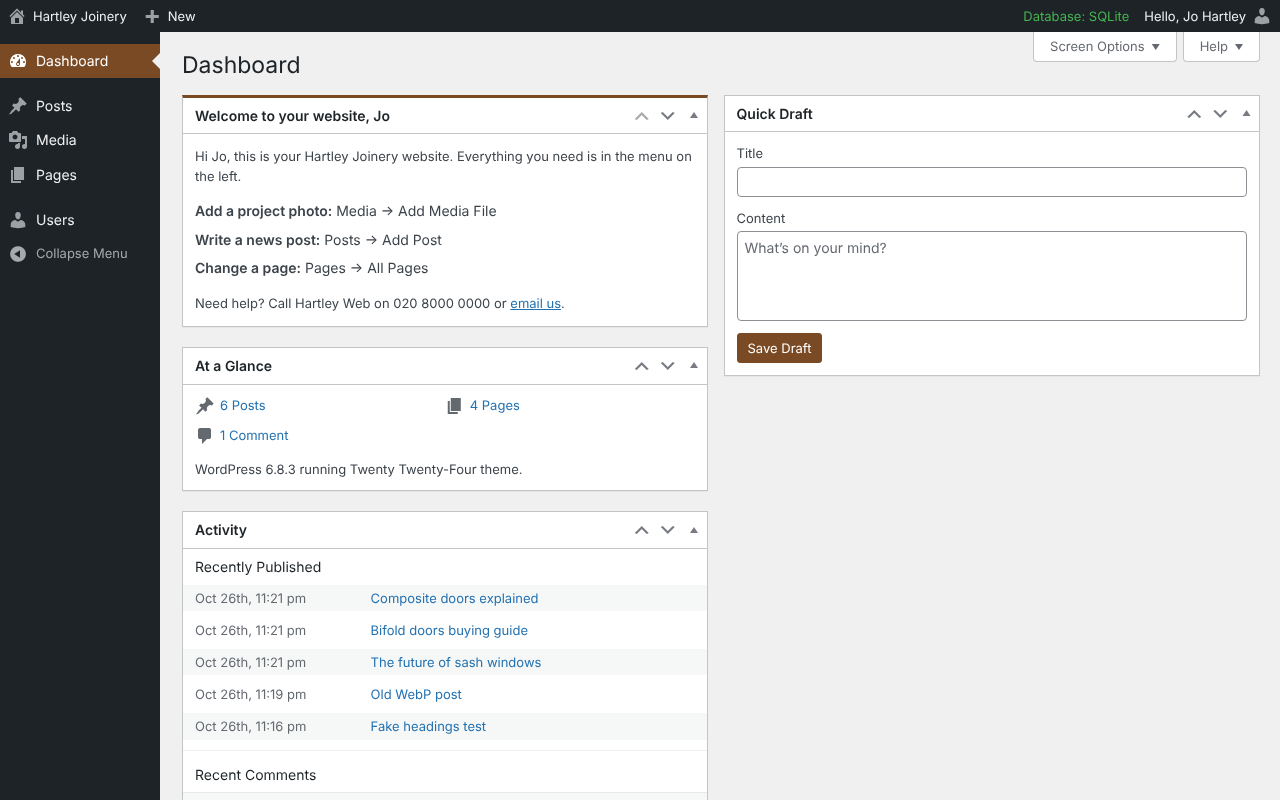
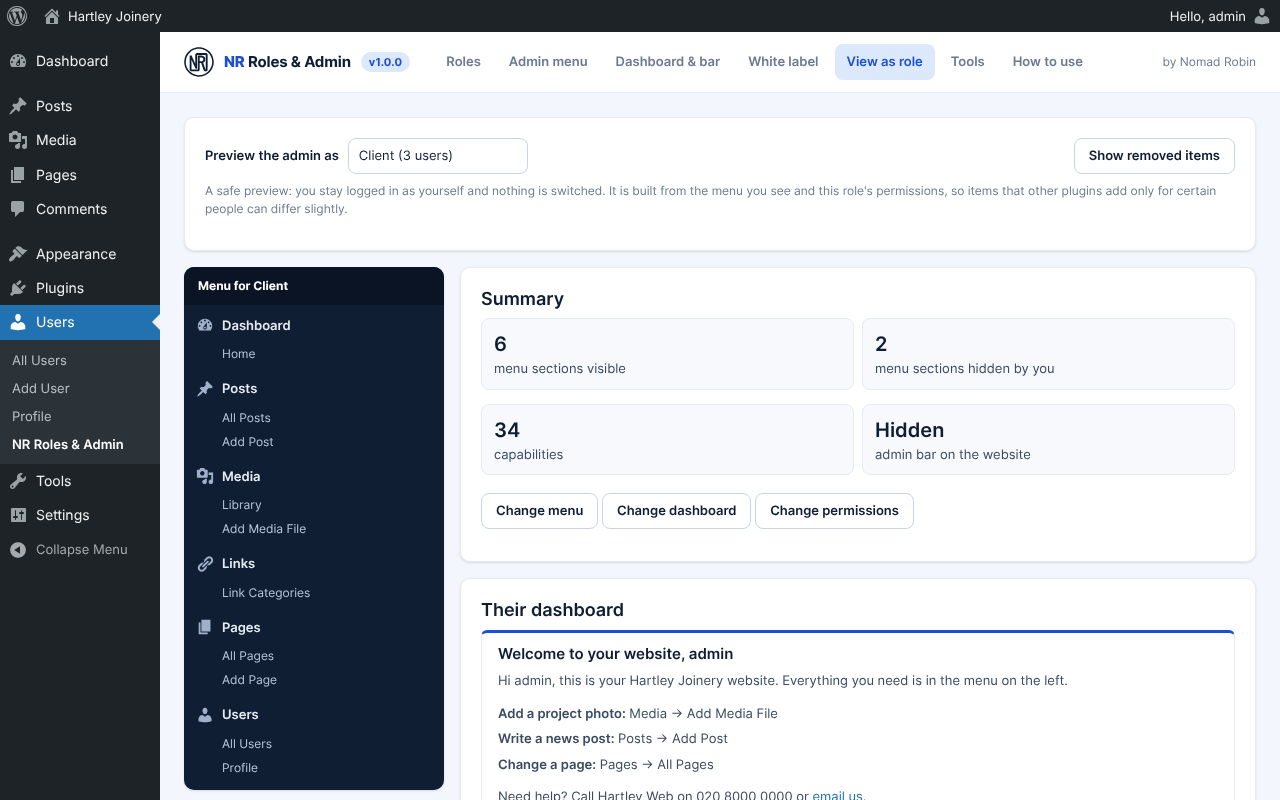
Then tidy their admin area. Hide menu items, admin bar items and dashboard widgets for each role, and if you like, block hidden screens even when someone types their address. Add a welcome panel to their dashboard with your phone number, links and a short how-to. “View as role” shows you exactly what that role will see, without logging out or switching users.
Finish with white label touches: your own footer text, “Hello,” instead of “Howdy,”, your brand colour across the admin, and your logo on the login screen. The login change steps aside automatically if you already use a login plugin.
It’s built to be safe. Nobody can hand out a permission they don’t have themselves, the Administrator can never lose the right to manage settings and users, every change can be undone, and your original roles are saved so one click puts everything back. Export your setup to a file and import it on your next client site.
Made by Nomad Robin, with a plain-English “How to use” tab built in.
Key features
- Create, copy, rename and delete user roles
- Capabilities grouped and explained in plain English
- Capability search and "only show ticked" filter
- Tick all and untick all per group
- "Powerful" labels on risky capabilities
- Nobody can grant a capability they do not have themselves
- You cannot edit a role that has more power than you
- Administrator always keeps manage settings and manage users
- You cannot lock yourself out of your own role
- Original roles saved automatically on first activation
- One-click reset of all roles to the original
- Undo the last role change (and redo it)
- Download the original roles as a file
- Extra roles per user on the Edit User screen
- "All roles" column on the Users list
- Hide admin menu items per role
- Hide admin submenu items per role
- Optional blocking of direct links to hidden screens
- Hide admin bar items per role
- Hide the admin bar on the public website per role
- Hide dashboard widgets per role, including other plugins' widgets
- Client welcome panel on the dashboard per role, with rich text, links and pictures
- Welcome panel placeholders for first name, name and site name
- Copy all hiding rules from one role to another
- View as role: safe preview of a role's menu and dashboard without switching users
- Custom admin footer text with simple links
- Hide the WordPress version from people who cannot update WordPress
- Replace "Howdy" with your own greeting
- Custom admin accent colour, for everyone or clients only
- Custom login logo, logo link and logo text
- Login logo pauses itself when another login plugin is active
- Export settings, hiding rules and roles as a JSON file
- Import from a file or pasted text, with safety checks
- Nothing loaded on the public site
- Keeps your data when uninstalled unless you choose otherwise
- Translation-ready
- Built-in "How to use" tab in plain English
- Version number shown on the plugin's screen
- Works on phones and tablets
- One price: use it on as many sites as you like
Screenshots
Details and requirements
| Version | 1.0.0 |
|---|---|
| Last updated | 27 October 2026 |
| Download size | 65 KB |
| Licence | GPL v2 or later (code) |
Changelog
- 1.0.0 27 Oct 2026 — First release
Questions
How do I get the plugin after paying?
Straight away: there's a download button on the thank-you page, and you'll get an email with your personal download link and licence key.
How do updates work?
Your download link always gives you the latest release of version 1: fixes, security updates and small improvements are included. A future version 2 would be a separate purchase, and you never have to upgrade.
Can I use it on more than one site?
Yes. One price, and you can use it on as many sites as you like.
Is support included?
No. Help, set-up and customisation aren't included in the price. If something doesn't work as described, report it through the support page and I'll put it right. Your legal rights are not affected.
Can I get a refund?
Your legal rights apply if the product is faulty or not as described, and if it doesn't work as described and I can't fix it, I'll refund you. Because it's a download, the usual 14-day change-of-mind right ends once you start the download. Full details are in the Digital Products Terms.
Prices in pounds. I'm not VAT registered, so no VAT is added. Digital Products Terms