
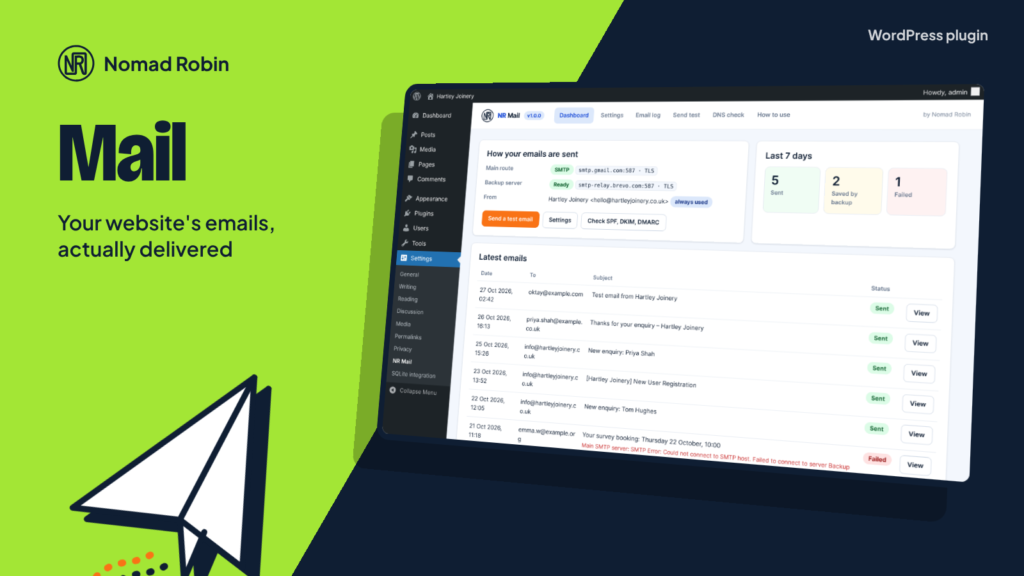
Most WordPress websites send email through the web host’s built-in mail, and a lot of it quietly ends up in spam or never arrives at all. Contact form enquiries, password resets and booking confirmations go missing, and you only find out when a customer rings to ask why nobody replied. NR Mail fixes that.
It sends your website’s emails through a real email account, the same way your own email program does. Pick your provider from the list (Gmail and Google Workspace, Microsoft 365, Zoho, IONOS, Fasthosts, SendGrid, Brevo, Mailgun or any other) and the server details fill in by themselves. Your password is encrypted with your site’s own security keys and is never shown again, or you can keep it in wp-config.php instead.
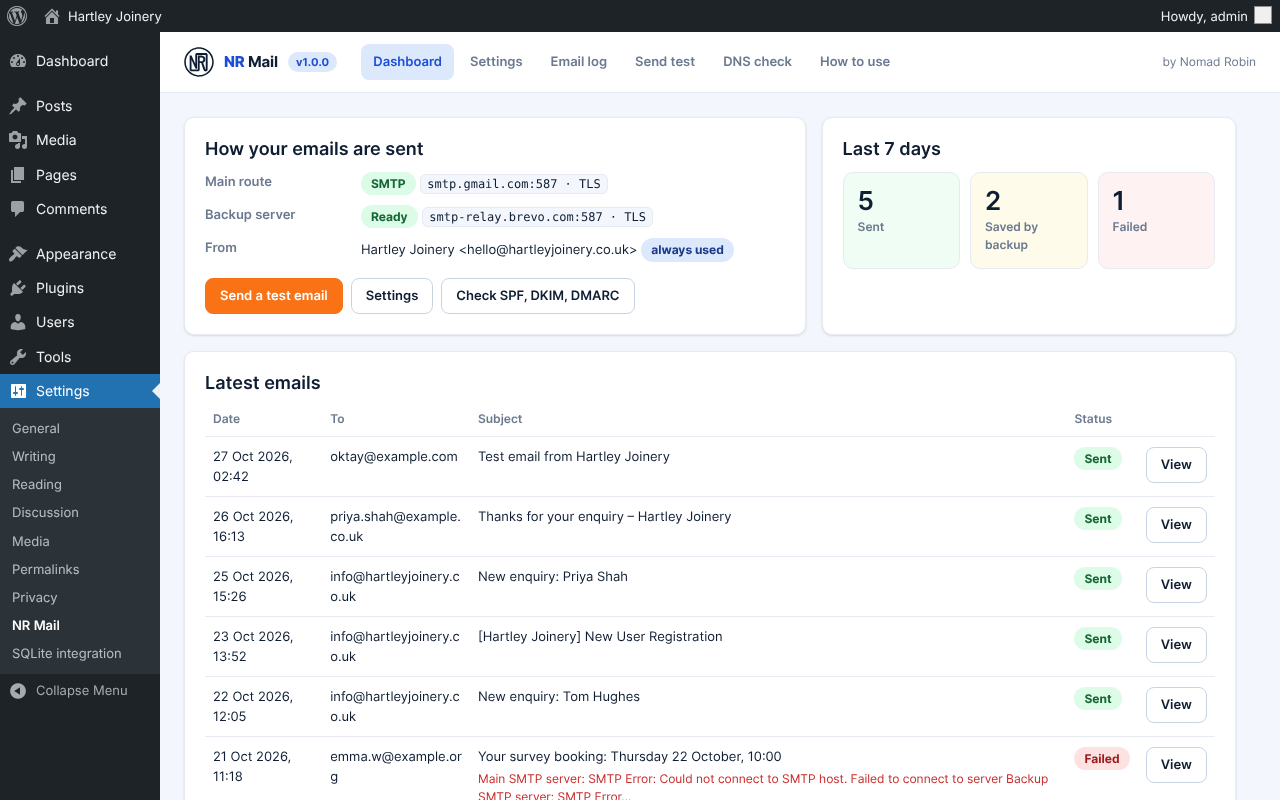
If your main email server ever fails, NR Mail sends the email again straight away through a backup server, so nothing is lost. Every email is logged with its date, recipient, subject and status, and any failure is explained in plain English. Switch on “Store the email text” and you can view any email and resend it with one click. Old log entries are deleted automatically after the number of days you choose, which keeps you on the right side of UK GDPR.
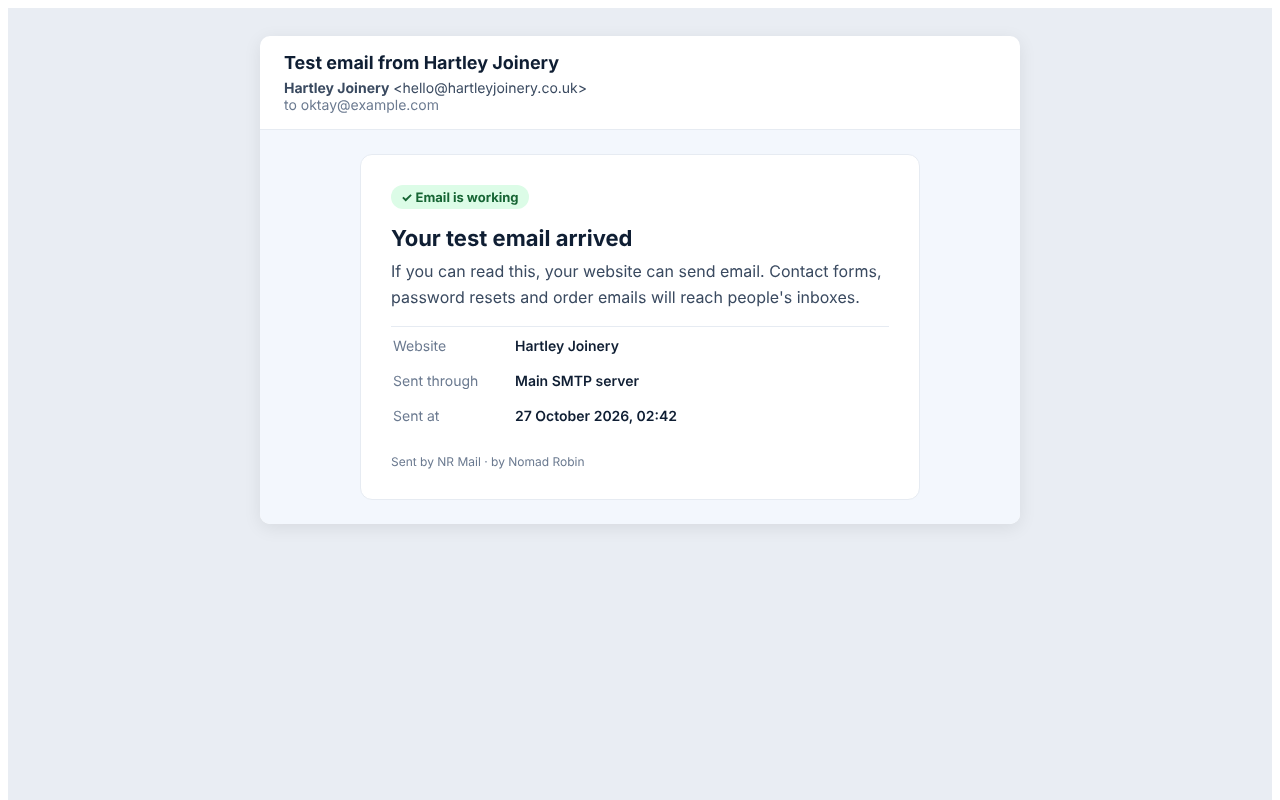
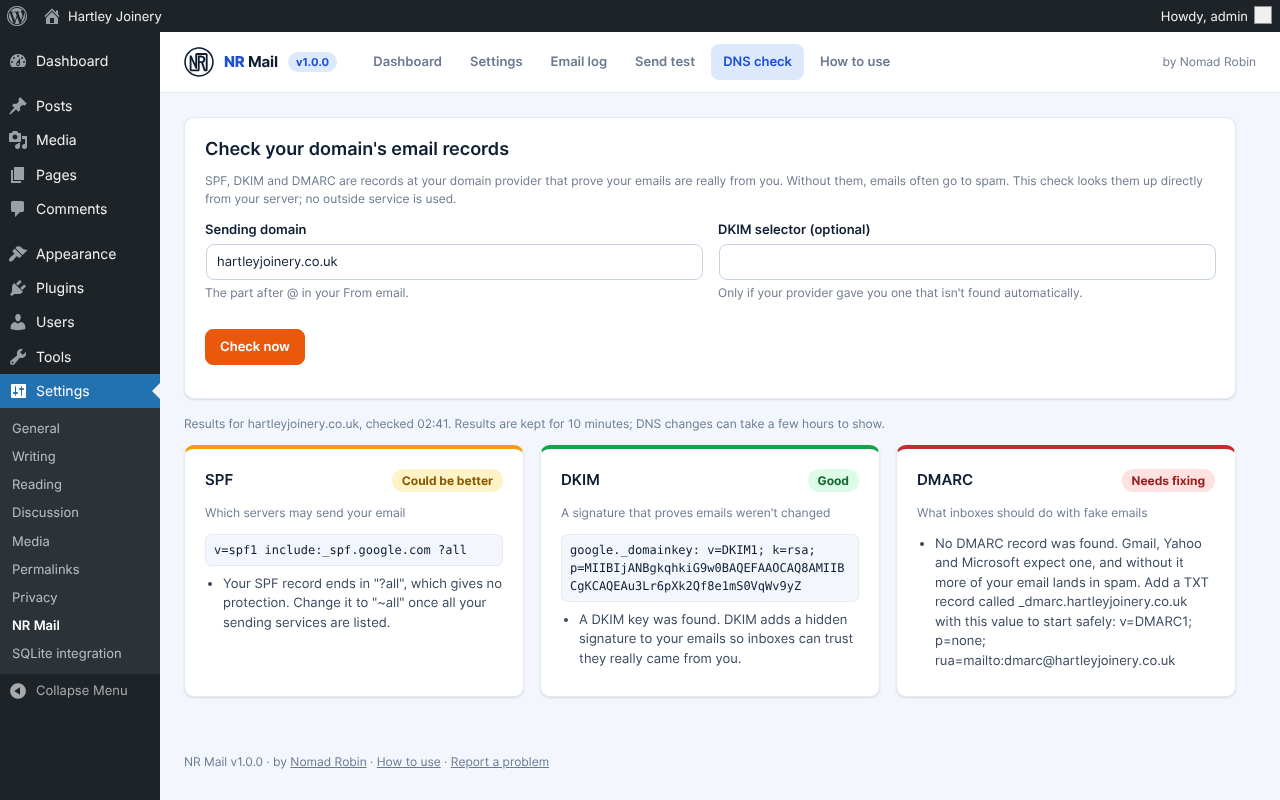
When something does go wrong you hear about it: a warning appears at the top of WordPress, and you can have an alert emailed to a second address through the backup server. The Send test screen shows the whole conversation with the email server (with your password hidden), so you can see exactly where a problem is. The DNS check looks at your domain’s SPF, DKIM and DMARC records and tells you, in plain English, what to add so your emails stop landing in spam.
It’s light: nothing is loaded on your public website, and no outside service is used. Made by Nomad Robin, with a plain-English “How to use” tab built in.
Key features
- Send all WordPress email through your own SMTP account
- Provider presets: Gmail / Google Workspace (app password), Microsoft 365, Zoho, IONOS, Fasthosts, SendGrid, Brevo, Mailgun and any other SMTP server
- Server, port and encryption filled in for you, with a plain-English note for each provider
- TLS, SSL or no encryption, with or without a username and password
- Passwords stored encrypted with keys made from your site's own security keys
- Passwords never shown again after saving
- Optional wp-config.php settings for the main server, backup server and From address, locked on screen
- Backup SMTP server used automatically when the main server or your web host fails
- Forms and other plugins see the email as sent when the backup saves it
- Email log with date, recipient, subject, status and error for every email
- Search, status filter and pages in the email log
- Optional storage of the email text, with a safe preview of HTML emails
- Resend any logged email with one click
- Delete one entry or empty the log, always asking first
- Automatic log clean-up after the number of days you choose (30 by default)
- Failure warning at the top of WordPress for Administrators
- Optional failure alert email to a second address, sent through the backup server, at most once an hour
- Send test screen for the main or backup server, in HTML or plain text
- Full conversation with the email server shown, with the username and password hidden
- Plain-English explanation and advice for every error
- DNS check of SPF, DKIM and DMARC for your sending domain
- DKIM checked under the common selectors, plus your own
- Exact records to add, with plain-English advice
- From email and From name, replacing the WordPress default or always
- Bounces sent back to your From address
- Dashboard with the last 7 days' sent, saved-by-backup and failed counts
- Nothing loaded on your public website and no outside services
- Keeps your settings and log when uninstalled unless you choose otherwise
- Translation-ready
- Built-in "How to use" tab in plain English
- Version number shown on the plugin's screen
- Works on phones and tablets
- One price: use it on as many sites as you like
Screenshots
Details and requirements
| Version | 1.0.0 |
|---|---|
| Last updated | 27 October 2026 |
| Download size | 61 KB |
| Licence | GPL v2 or later (code) |
Changelog
- 1.0.0 27 Oct 2026 — First release
Questions
How do I get the plugin after paying?
Straight away: there's a download button on the thank-you page, and you'll get an email with your personal download link and licence key.
How do updates work?
Your download link always gives you the latest release of version 1: fixes, security updates and small improvements are included. A future version 2 would be a separate purchase, and you never have to upgrade.
Can I use it on more than one site?
Yes. One price, and you can use it on as many sites as you like.
Is support included?
No. Help, set-up and customisation aren't included in the price. If something doesn't work as described, report it through the support page and I'll put it right. Your legal rights are not affected.
Can I get a refund?
Your legal rights apply if the product is faulty or not as described, and if it doesn't work as described and I can't fix it, I'll refund you. Because it's a download, the usual 14-day change-of-mind right ends once you start the download. Full details are in the Digital Products Terms.
Prices in pounds. I'm not VAT registered, so no VAT is added. Digital Products Terms