
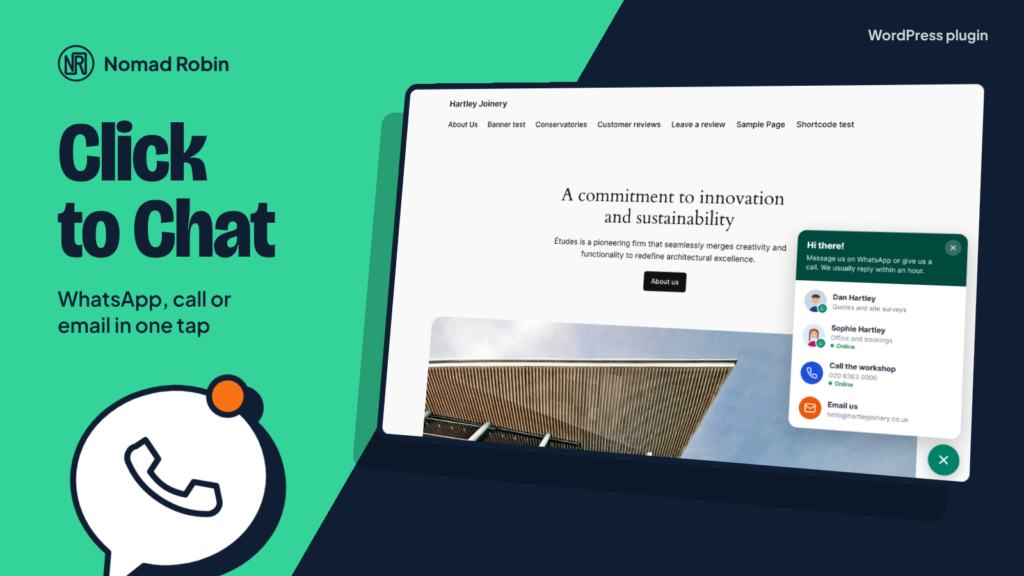
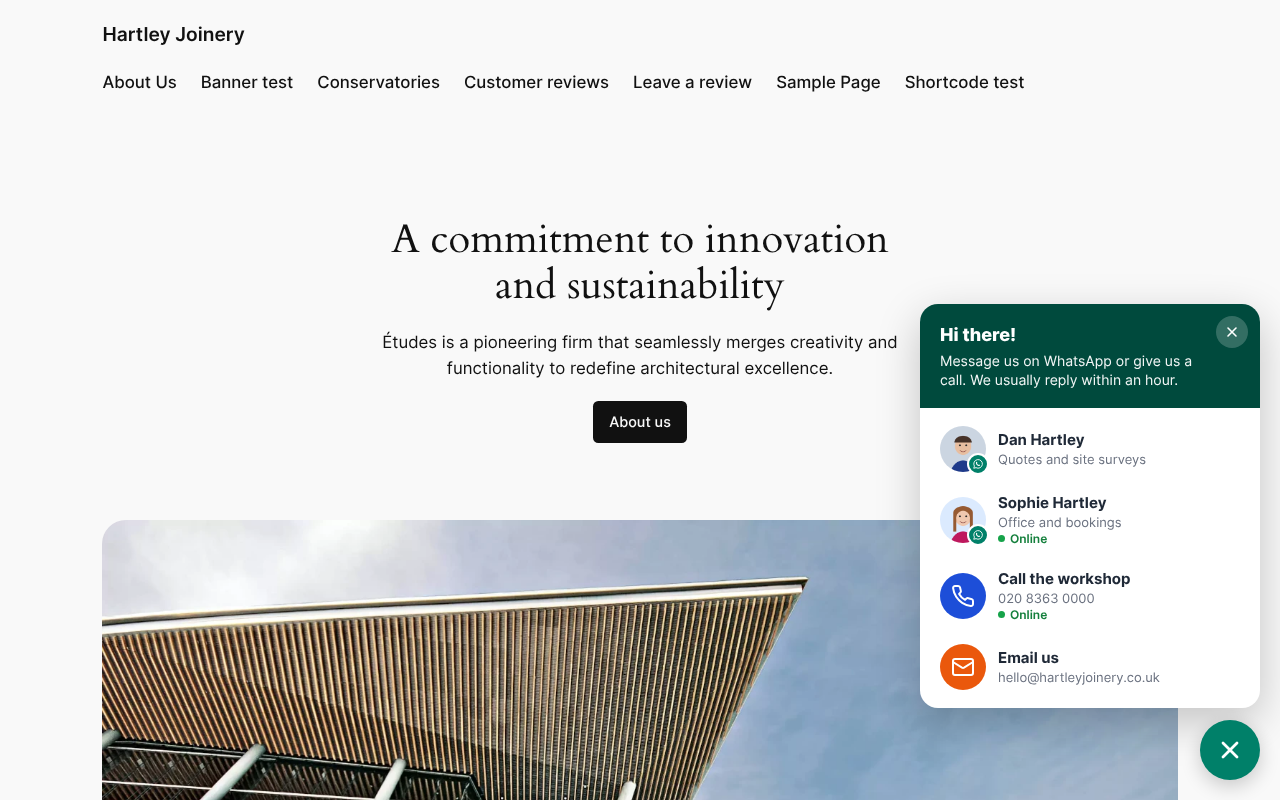
Most visitors won’t fill in a contact form, but they will happily send a WhatsApp message or tap to call. NR Click to Chat puts a friendly button in the corner of every page so they can reach you in one tap.
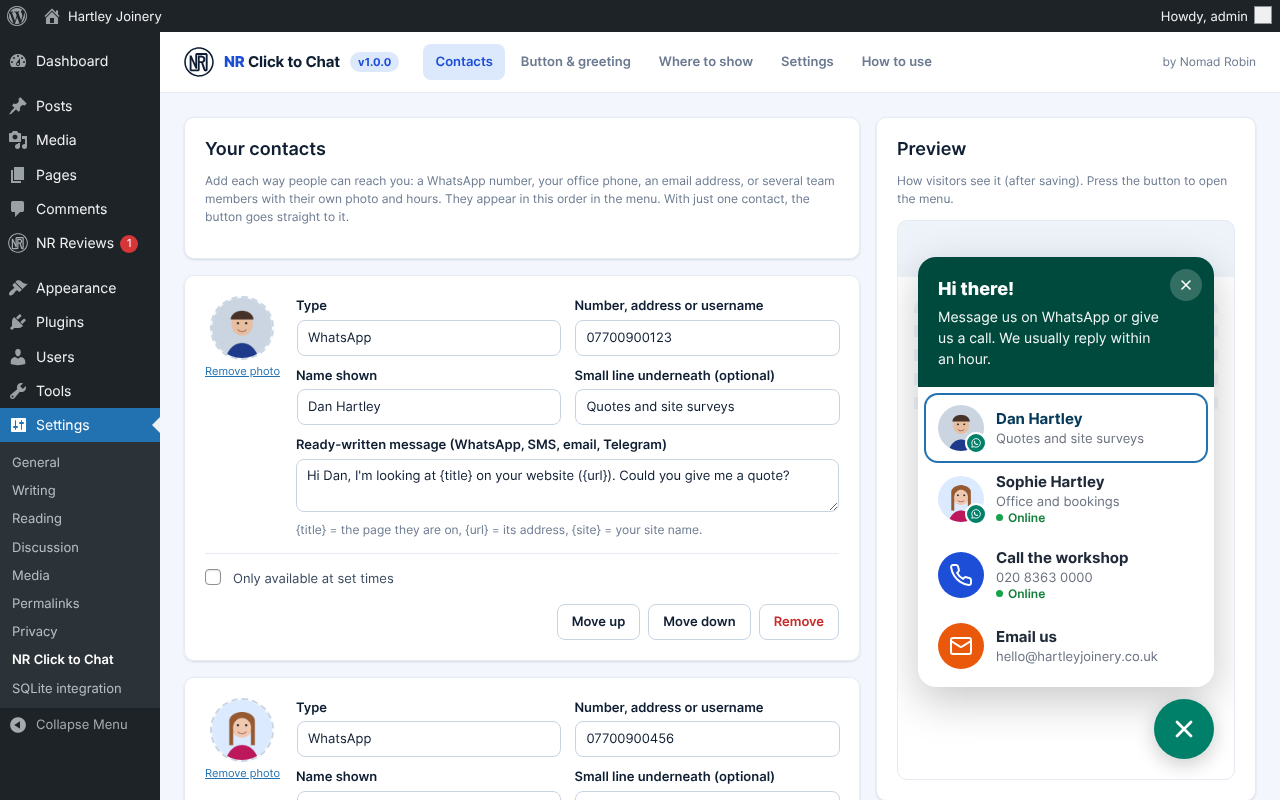
Add as many contacts as you need: WhatsApp, phone, text message, email, Facebook Messenger, Telegram or any link. Add your team members with their own photo, role and opening hours, so a visitor can message the right person. With only one contact, the button goes straight to it.
Opening hours work in UK time by default, summer time included. Out of hours, a contact shows “Offline – leave a message · Back tomorrow at 08:00”. Phone calls wait until you open, or you can hide offline contacts completely. When everyone is away, a “Leave us a message” button can send visitors to your contact page. Hours are checked in the visitor’s browser, so they stay right even on cached pages.
Write the first message for your visitors. {title} and {url} are filled in with the page they were looking at, so a message arrives as “Hi Dan, I’m looking at Oak sash windows…” and you know exactly what they want.
Choose where it appears: everywhere, only on some pages, everywhere except some, on certain kinds of page, never on addresses like /checkout/, and on phones, computers or both. Pages without the button load nothing from the plugin at all.
If your site already uses Google Analytics 4 or Tag Manager, every click is sent as an event, ready to count as an enquiry. If not, nothing is tracked. The script is tiny (about 2.5 KB compressed), uses no jQuery, and the button works with a keyboard and screen readers.
Made by Nomad Robin, with a plain-English “How to use” screen built in.
Key features
- Floating chat button in the bottom right or bottom left corner
- Expandable menu of contacts
- WhatsApp, phone call, text message (SMS), email, Facebook Messenger, Telegram and custom link
- Unlimited order-able contacts (up to 30)
- Team members with their own photo, name, role and hours
- One contact goes straight to WhatsApp (or call/email) with no menu
- Opening hours per contact, per day
- UK time zone by default with automatic summer time, or choose another
- Hours checked in the browser so they work with page caching
- "Offline – leave a message · Back tomorrow at 08:00" status
- Phone calls greyed out until opening time
- Option to hide offline contacts instead
- "Leave us a message" button to your contact page when everyone is offline
- Online status shown during opening hours
- Ready-written messages for WhatsApp, SMS, email and Telegram
- {title}, {url} and {site} placeholders for the page the visitor is on
- UK mobile numbers turned into international format automatically
- Greeting bubble after a delay you choose, shown once per visit
- Greeting can be closed and is announced politely to screen readers
- Option to show or hide the greeting on phones
- Colour, icon, size, button text and distance from the edges
- Show on all pages, only chosen pages, or all except chosen pages
- Show by kind of page: home, posts, pages, custom post types, list pages
- Hide on addresses containing text such as /checkout/
- Phones only, computers only, or both
- "Hide the chat button on this page" box in the page editor
- Loads nothing on pages where the button is hidden
- Google Analytics 4 click events with channel and contact name
- Works with gtag or Google Tag Manager's dataLayer
- No tracking of its own and no cookies
- Tiny: about 2.5 KB of JavaScript and 2 KB of CSS compressed, no jQuery
- Uses your theme's fonts
- Accessible: real button, keyboard friendly, Escape closes, visible focus, screen-reader labels
- Respects reduced-motion settings
- Live preview on the settings screen
- Test mode: only administrators see it while you set up
- Keeps your settings when uninstalled unless you choose otherwise
- Translation-ready
- Built-in "How to use" tab in plain English
- Version number shown on the plugin's screen
- Works on phones and tablets
- One price: use it on as many sites as you like
- Includes every update for version 1
Screenshots

Details and requirements
| Version | 1.0.0 |
|---|---|
| Last updated | 27 October 2026 |
| Download size | 49 KB |
| Licence | GPL v2 or later (code) |
Changelog
- 1.0.0 27 Oct 2026 — First release
Questions
How do I get the plugin after paying?
Straight away: there's a download button on the thank-you page, and you'll get an email with your personal download link and licence key.
How do updates work?
Your download link always gives you the latest release of version 1: fixes, security updates and small improvements are included. A future version 2 would be a separate purchase, and you never have to upgrade.
Can I use it on more than one site?
Yes. One price, and you can use it on as many sites as you like.
Is support included?
No. Help, set-up and customisation aren't included in the price. If something doesn't work as described, report it through the support page and I'll put it right. Your legal rights are not affected.
Can I get a refund?
Your legal rights apply if the product is faulty or not as described, and if it doesn't work as described and I can't fix it, I'll refund you. Because it's a download, the usual 14-day change-of-mind right ends once you start the download. Full details are in the Digital Products Terms.
Prices in pounds. I'm not VAT registered, so no VAT is added. Digital Products Terms