
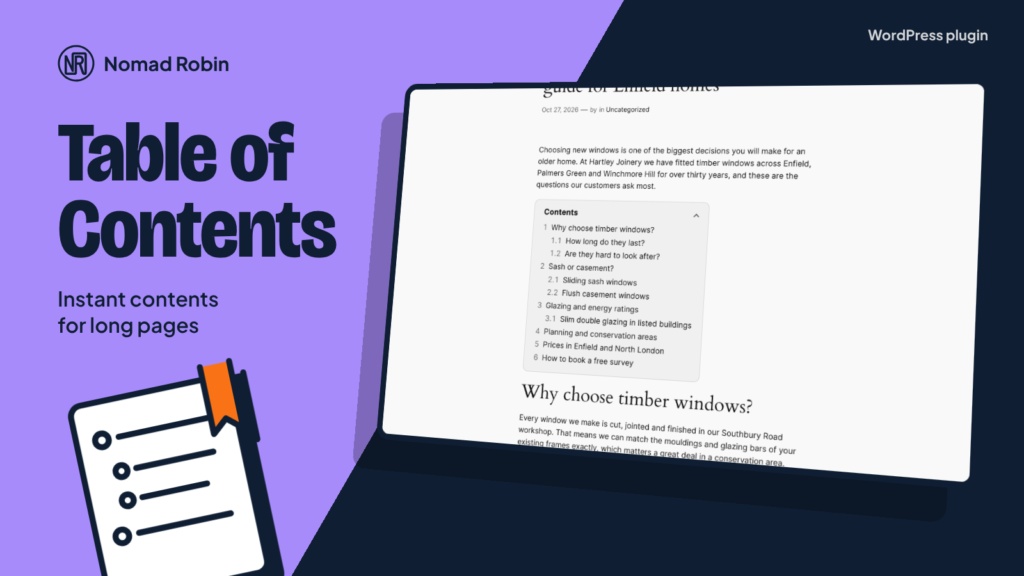
Long guides are where small businesses win customers, but readers skim. NR Table of Contents adds a tidy list of links to the headings on every long post and page, so people can jump straight to the part they care about, whether that’s prices, planning rules or how to book.
It works the moment you activate it. Any post or page with three or more headings gets a table of contents just before its first heading. You choose which content types, how many headings, which heading levels and where it goes. Prefer to place it yourself? Use the “Table of contents (NR)” block, which shows your headings live as you write, or the [nr_toc] shortcode.
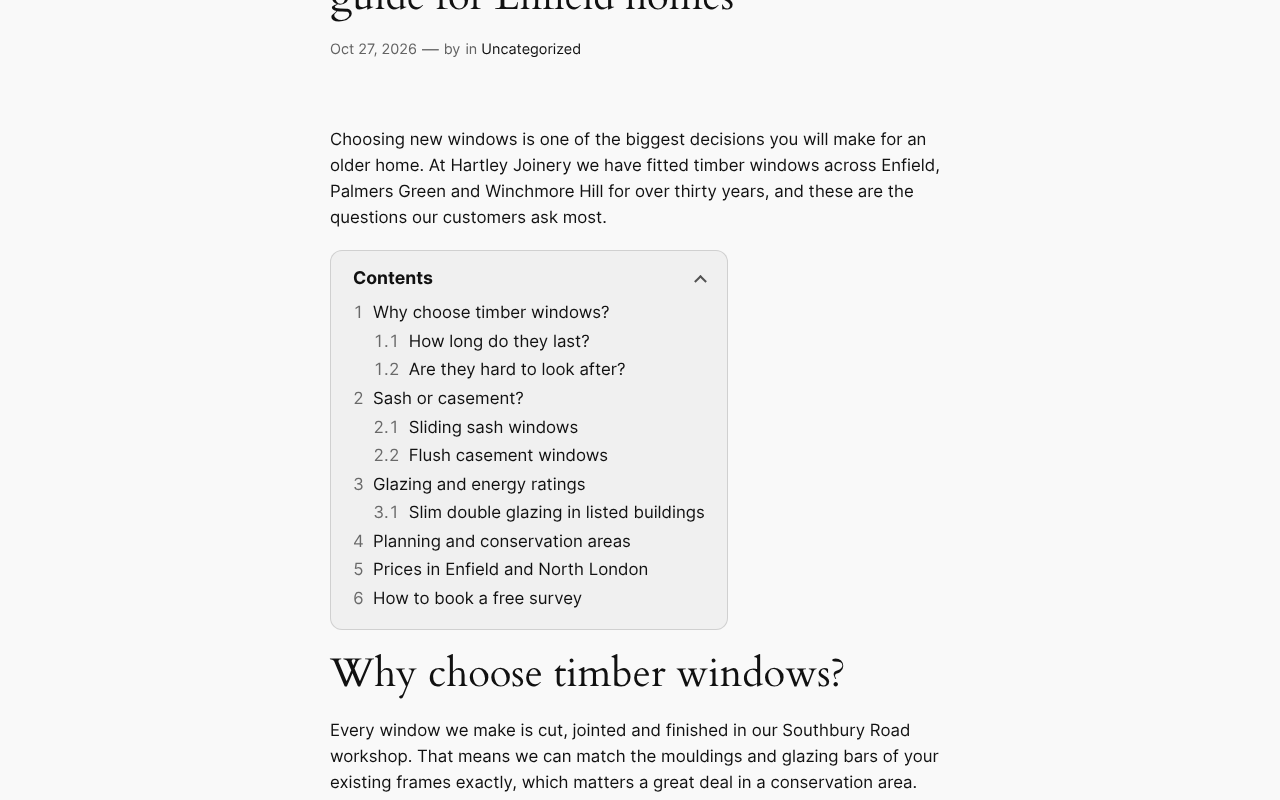
Readers get a better experience on every screen. The list can be numbered (1, 1.1, 1.2) or plain, and folded away. On desktop a small floating contents panel appears at the side once they scroll past it, and the section they are reading is highlighted. Clicking a link glides smoothly to the heading and leaves room for sticky headers, which are measured automatically.
Every heading gets a clean, stable anchor name on the server, so you can link straight to a section and Google can show “Jump to” links in search results. Duplicate headings are numbered, and your posts are never changed in the database.
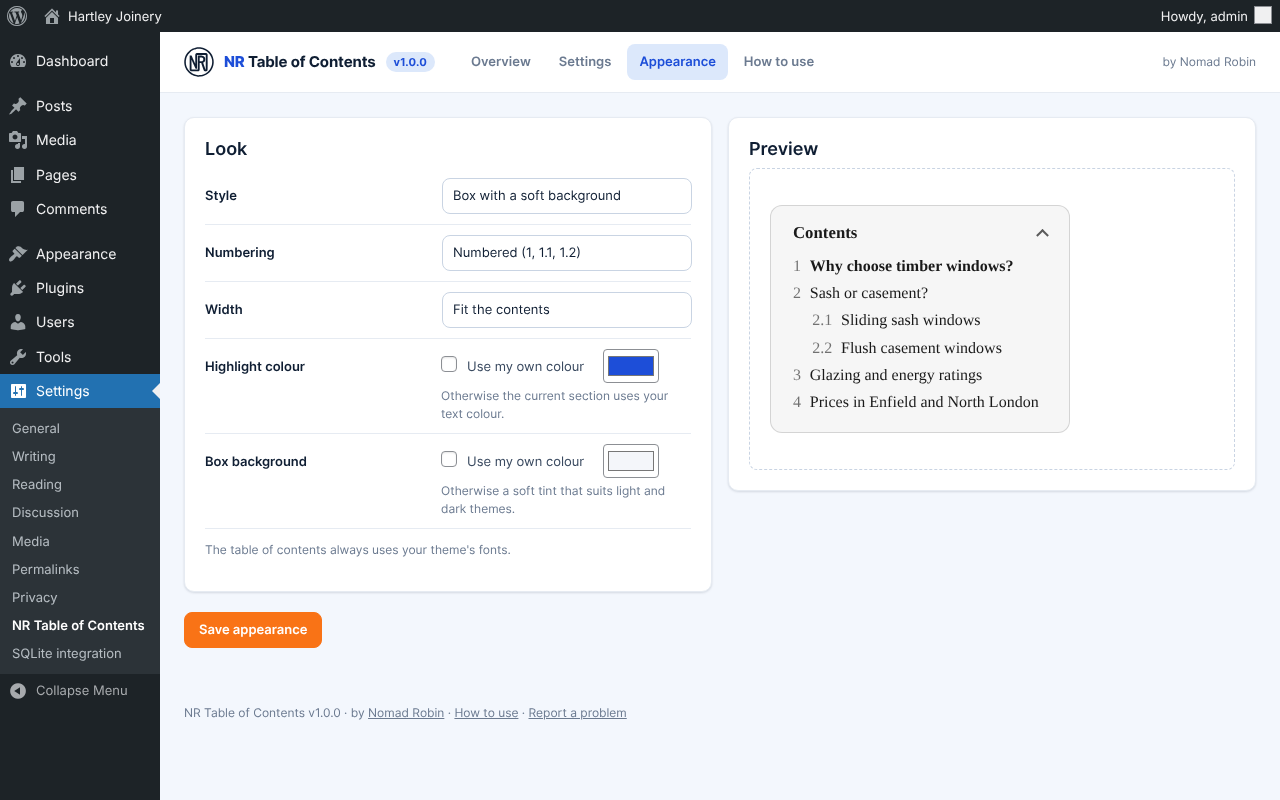
It looks at home on any site because it uses your theme’s fonts, with box, line or plain styles and optional colours. It is light: about 12 KB in total, no jQuery, and nothing loads on pages without a table of contents. You can switch it off for any single page with one click in the editor.
Made by Nomad Robin, with a plain-English “How to use” screen built in.
Key features
- Automatic table of contents on posts, pages and any public content type
- Inserted before the first heading, at the top, or after the first paragraph
- Minimum number of headings before it appears
- Choose the heading levels to list, from H1 to H6
- Leave out headings by word or with the nr-toc-skip class
- Gutenberg block with a live preview of your headings
- Block options for title, heading levels, numbering, style, folding and sticky
- [nr_toc] shortcode with the same options
- Numbered (1, 1.1, 1.2) or plain lists
- Nested or flat layout
- Box, line or plain style
- Optional highlight and background colours
- Uses your theme's fonts
- Foldable, and can start folded, using the browser's accessible fold-out
- Floating contents panel on desktop, left or right
- Highlights the section being read (scroll-spy)
- Smooth scrolling that clears sticky headers and the admin bar automatically
- Extra space setting for unusual headers
- Stable anchor IDs added on the server
- Jump links for Google on every chosen page
- Duplicate headings get unique anchors
- Optional copy-link buttons beside headings
- Per-page on/off switch in the editor sidebar
- Classic editor support
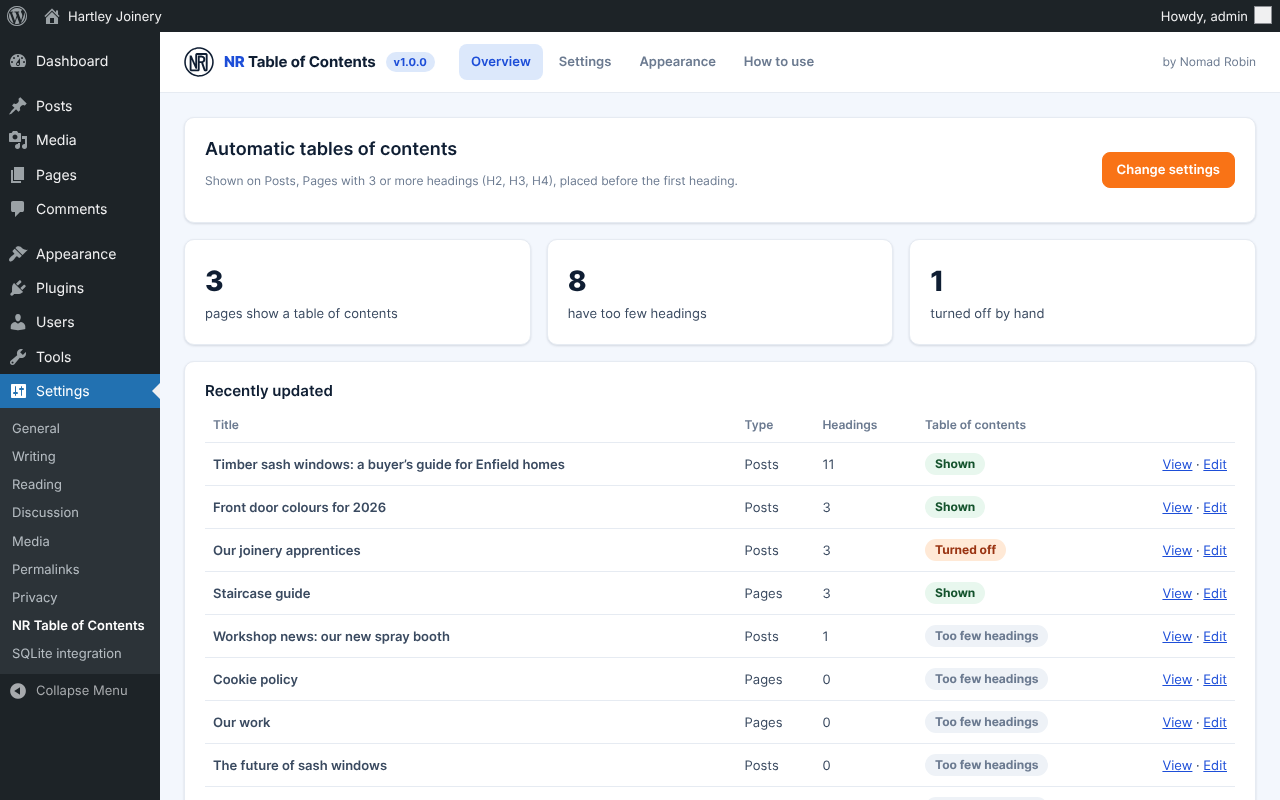
- Overview of which pages show a table of contents
- Live preview of the appearance settings
- Never changes your posts in the database
- Loads nothing on pages without a table of contents
- About 12 KB in total, no jQuery
- Keyboard friendly and screen-reader friendly
- Works on phones and tablets
- Keeps your data when uninstalled unless you choose otherwise
- Translation-ready
- Built-in "How to use" tab in plain English
- Version number shown on the plugin's screen
- One price: use it on as many sites as you like
Screenshots
Details and requirements
| Version | 1.0.0 |
|---|---|
| Last updated | 27 October 2026 |
| Download size | 48 KB |
| Licence | GPL v2 or later (code) |
Changelog
- 1.0.0 27 Oct 2026 — First release
Questions
How do I get the plugin after paying?
Straight away: there's a download button on the thank-you page, and you'll get an email with your personal download link and licence key.
How do updates work?
Your download link always gives you the latest release of version 1: fixes, security updates and small improvements are included. A future version 2 would be a separate purchase, and you never have to upgrade.
Can I use it on more than one site?
Yes. One price, and you can use it on as many sites as you like.
Is support included?
No. Help, set-up and customisation aren't included in the price. If something doesn't work as described, report it through the support page and I'll put it right. Your legal rights are not affected.
Can I get a refund?
Your legal rights apply if the product is faulty or not as described, and if it doesn't work as described and I can't fix it, I'll refund you. Because it's a download, the usual 14-day change-of-mind right ends once you start the download. Full details are in the Digital Products Terms.
Prices in pounds. I'm not VAT registered, so no VAT is added. Digital Products Terms