
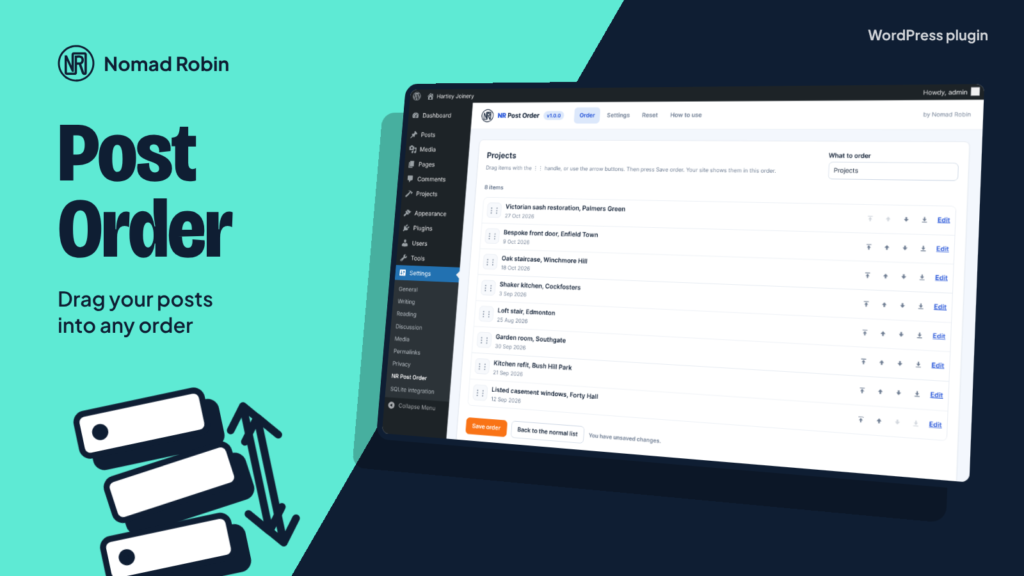
WordPress shows your content newest first or A–Z, which is rarely the order you want. Your best-selling service should come first, your team should appear in the right order, and your categories should follow the way customers think, not the alphabet. NR Post Order lets you fix that by dragging.
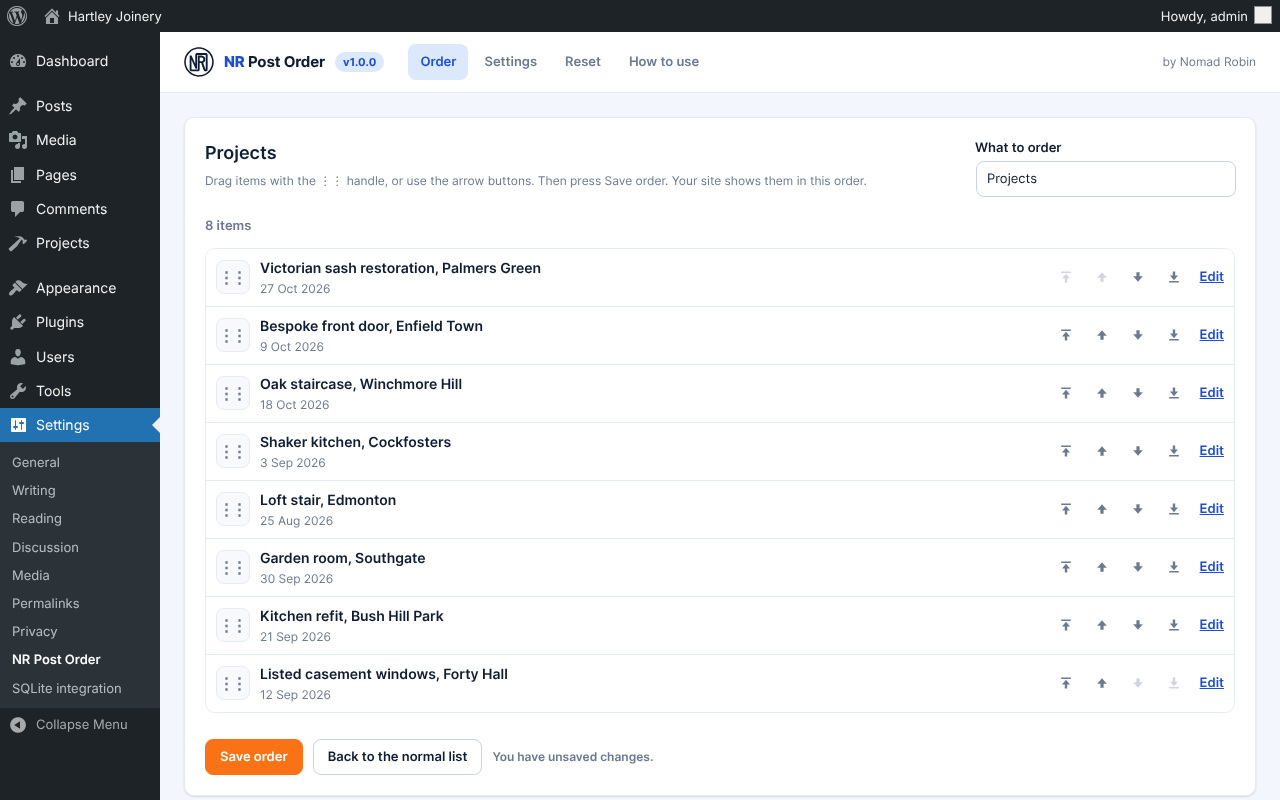
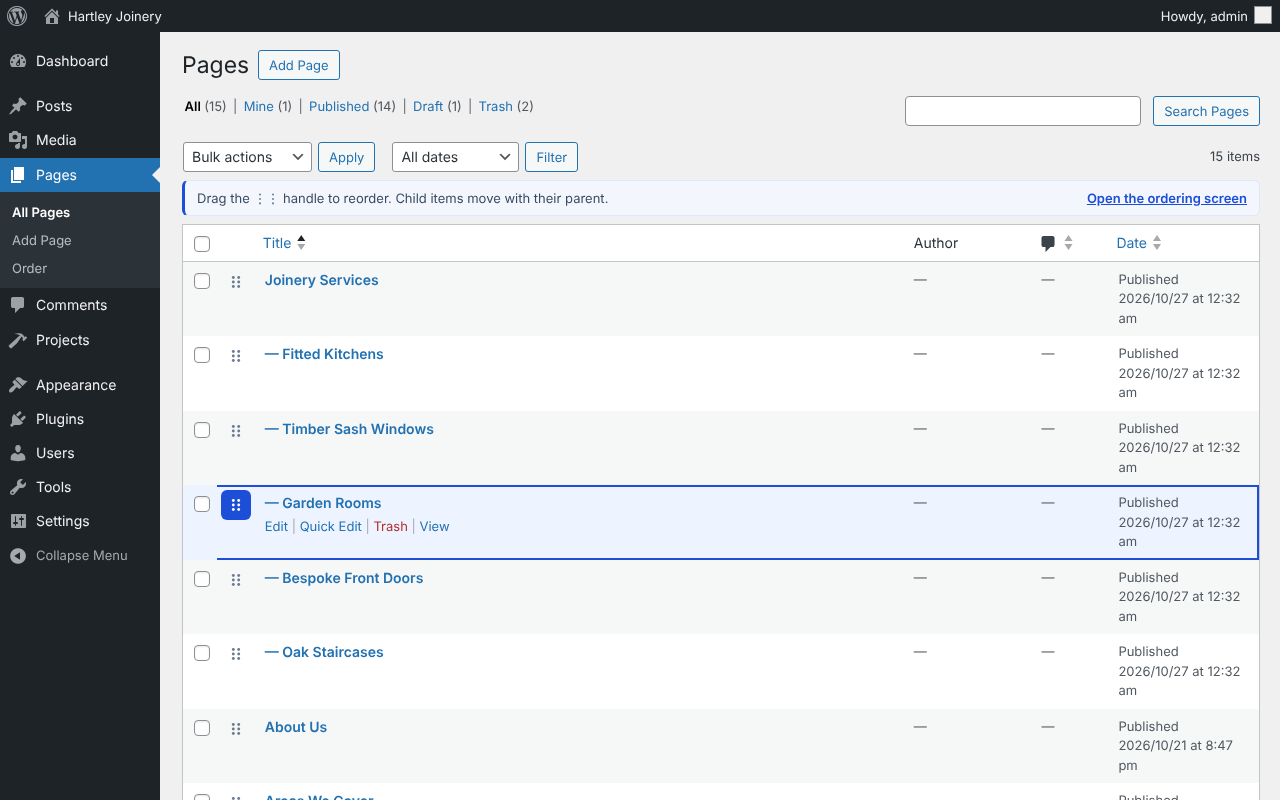
Every row of your normal Posts, Pages and category lists gets a small handle. Drag a row up or down, let go, and the new order is saved straight away. Child pages move with their parent, so your page structure never breaks. For long lists there is a dedicated ordering screen with every item on one page, up and down buttons, “move to top” and “move to bottom”, and saving in small batches so it works on any host.
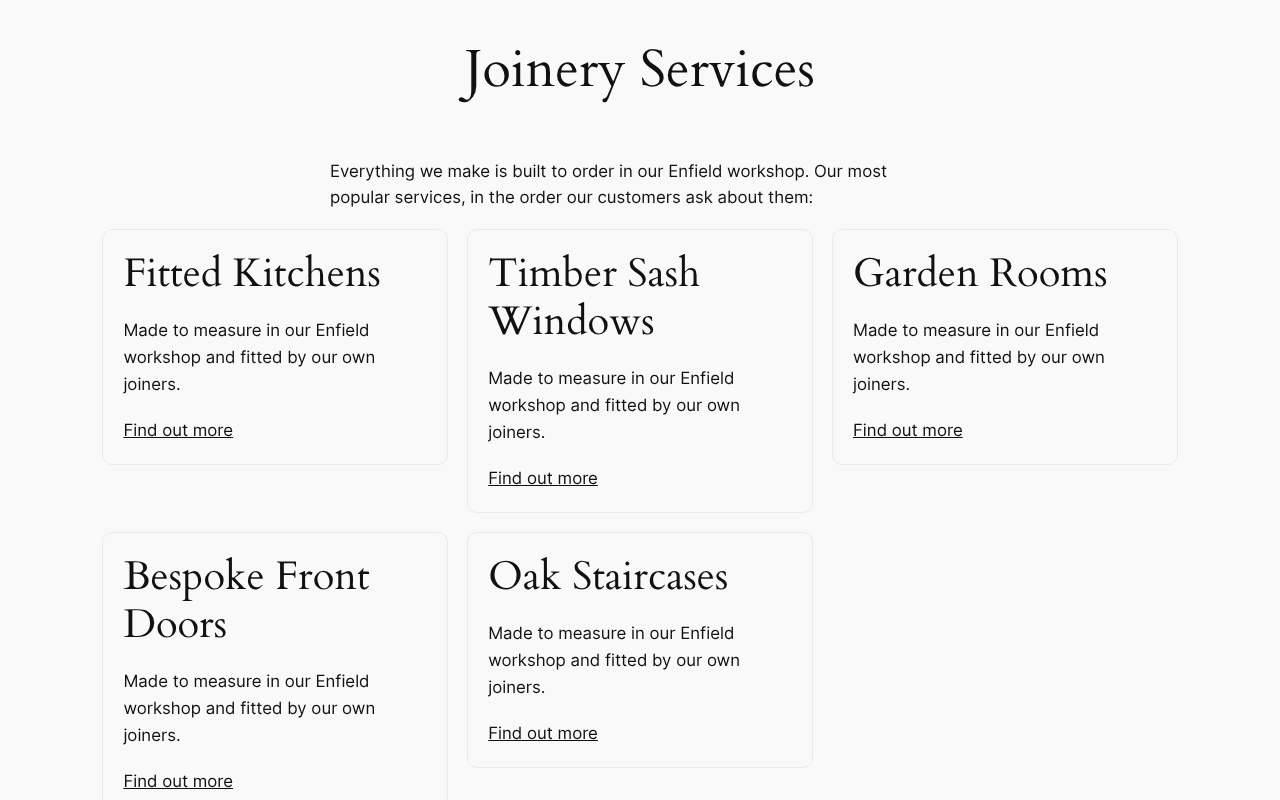
Your order then shows on your website. Archives, blog pages and category lists follow it automatically, while lists that ask for their own order (for example a theme’s “latest news”) are left alone, so nothing else breaks. In the block editor, the Query Loop block gets a simple “Use drag-and-drop order” switch.
It works for posts, pages, any custom post type (projects, services, team members, testimonials) and any taxonomy (categories, tags and custom ones). It can be used with just the keyboard, works on phones, and checks permissions on every save.
Made by Nomad Robin, with a plain-English “How to use” screen built in.
Key features
- Drag and drop on the normal Posts, Pages and custom post type lists
- Drag and drop on category, tag and custom taxonomy lists
- Saves instantly when you let go
- Child pages move with their parent
- Items only move among their own level, so page structure never breaks
- Dedicated ordering screen for long lists
- Parent picker to order the pages inside any parent
- Move up, move down, move to top and move to bottom buttons
- Saves long lists in small batches
- Warns you before leaving with unsaved changes
- Keyboard: Space to pick up, arrow keys to move, Space to drop, Escape to cancel
- Screen-reader announcements
- Choose which post types and taxonomies to order
- Your order shown on the website automatically (optional)
- Lists that ask for their own order are left alone
- Category and tag lists follow your order (optional)
- Query Loop block switch: "Use drag-and-drop order"
- Block editor preview matches the order
- Admin lists show your order unless you sort by a column
- New items go to the top or the bottom, your choice
- "Order" link under each post type in the menu
- Reset tool: clear, A–Z, newest first or oldest first
- Uses WordPress's own menu_order for posts
- Permission checks on every save, item by item
- Nothing loaded on your public site
- Keeps your order when uninstalled unless you choose otherwise
- Built-in "How to use" tab in plain English
- Version number shown on the plugin's screen
- Works on phones and tablets
- Translation-ready
- One price: use it on as many sites as you like
Screenshots
Details and requirements
| Version | 1.0.1 |
|---|---|
| Last updated | 27 October 2026 |
| Download size | 51 KB |
| Licence | GPL v2 or later (code) |
Changelog
- 1.0.0 27 Oct 2026 — First release
Questions
How do I get the plugin after paying?
Straight away: there's a download button on the thank-you page, and you'll get an email with your personal download link and licence key.
How do updates work?
Your download link always gives you the latest release of version 1: fixes, security updates and small improvements are included. A future version 2 would be a separate purchase, and you never have to upgrade.
Can I use it on more than one site?
Yes. One price, and you can use it on as many sites as you like.
Is support included?
No. Help, set-up and customisation aren't included in the price. If something doesn't work as described, report it through the support page and I'll put it right. Your legal rights are not affected.
Can I get a refund?
Your legal rights apply if the product is faulty or not as described, and if it doesn't work as described and I can't fix it, I'll refund you. Because it's a download, the usual 14-day change-of-mind right ends once you start the download. Full details are in the Digital Products Terms.
Prices in pounds. I'm not VAT registered, so no VAT is added. Digital Products Terms