
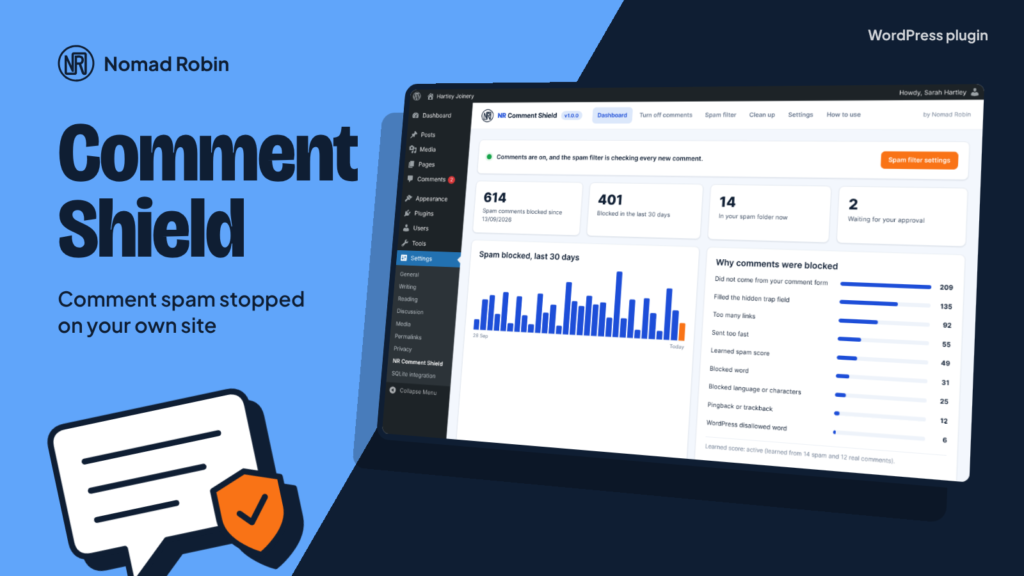
Most small business websites never wanted comments, yet every one of them gets comment spam. NR Comment Shield fixes both problems in one small plugin.
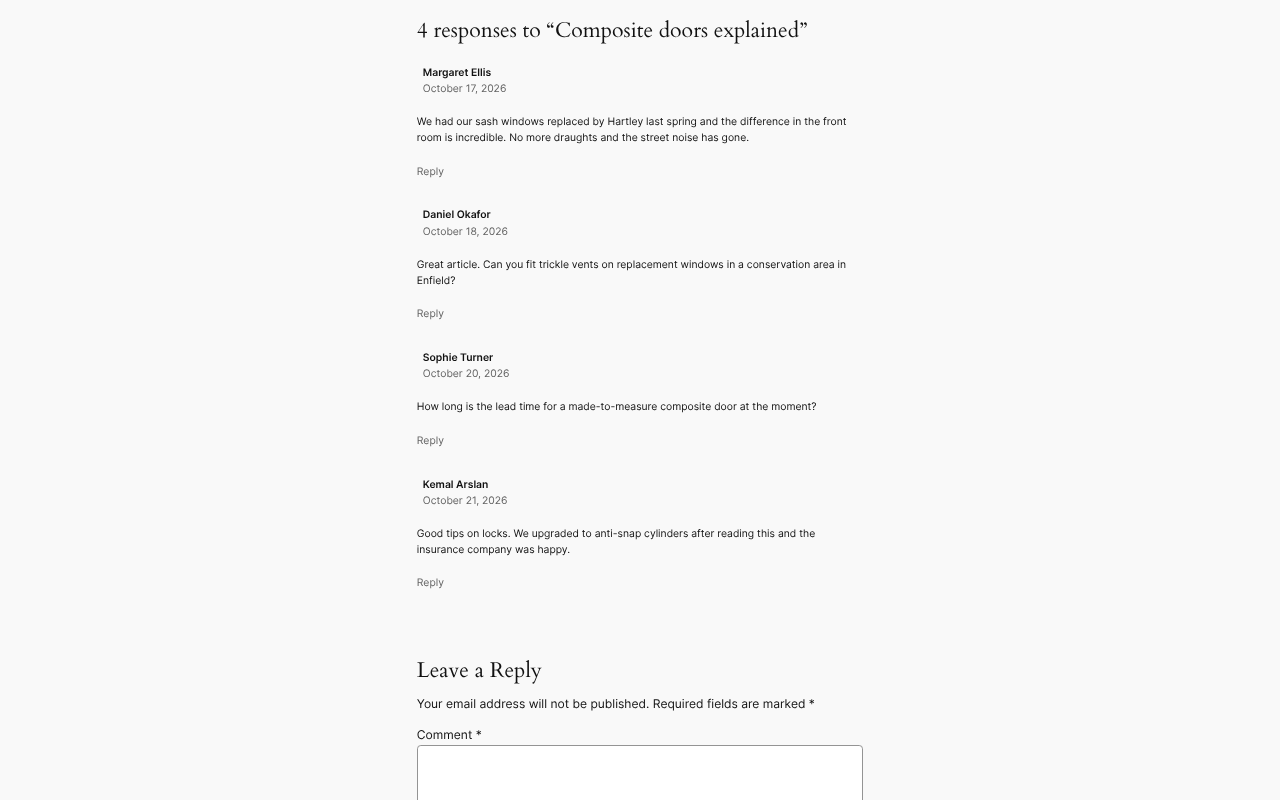
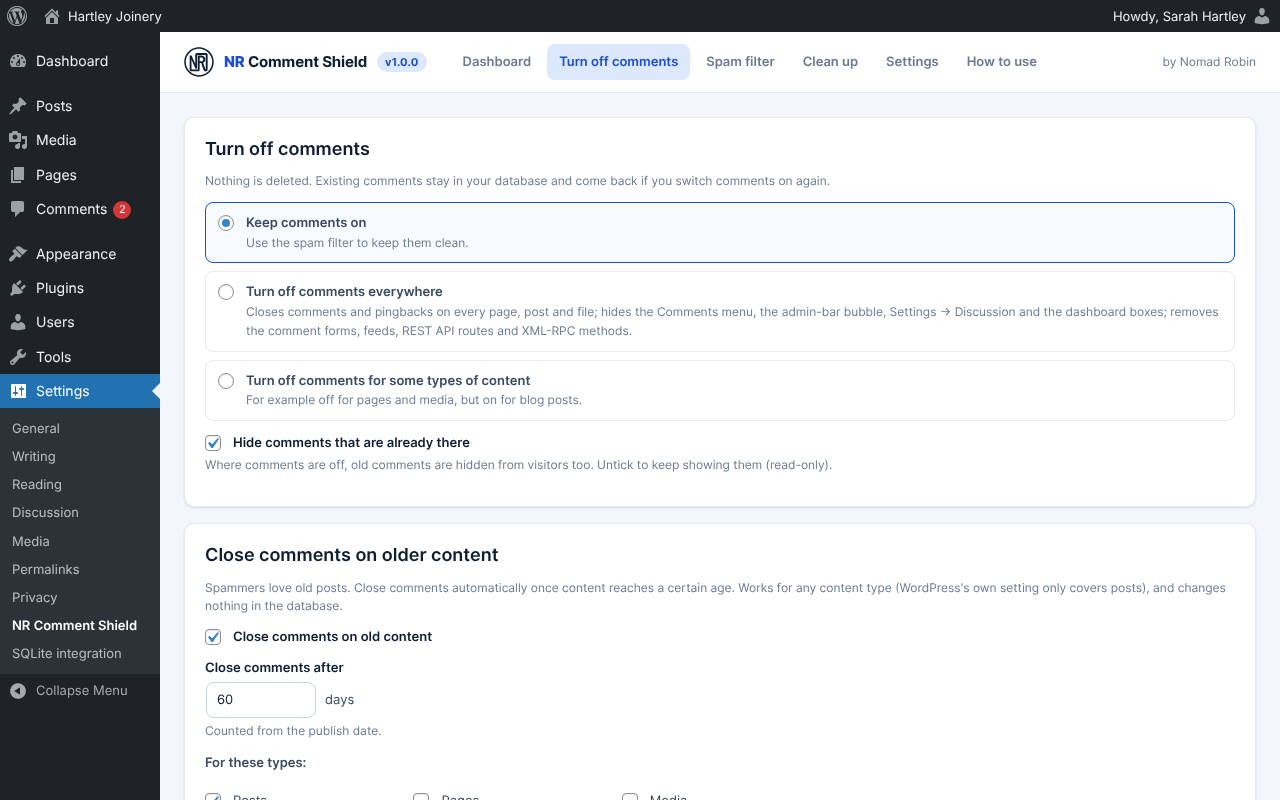
If you don’t need comments, turn them off with one click. They disappear everywhere: the comment forms, existing comments, the Comments menu, the speech bubble in the admin bar, Settings → Discussion, the dashboard boxes, the comment feeds and the hidden back doors robots use (the REST API and XML-RPC). You can also turn them off only for some content, for example pages and media but not blog posts, or close comments automatically on posts older than a number of days. Nothing is deleted: switch back and everything returns.
If you do want comments, the spam filter keeps them clean without sending anything to an outside service. A hidden trap field and a time trap catch robots before they reach your spam folder. A link limit, your own blocked words, WordPress’s Disallowed Comment Keys and a language rule catch the rest, and a small learning score gets better every time you mark a comment as spam or approve one. You choose whether caught comments go to the spam folder (so you can rescue a real one) or are rejected with a polite message.
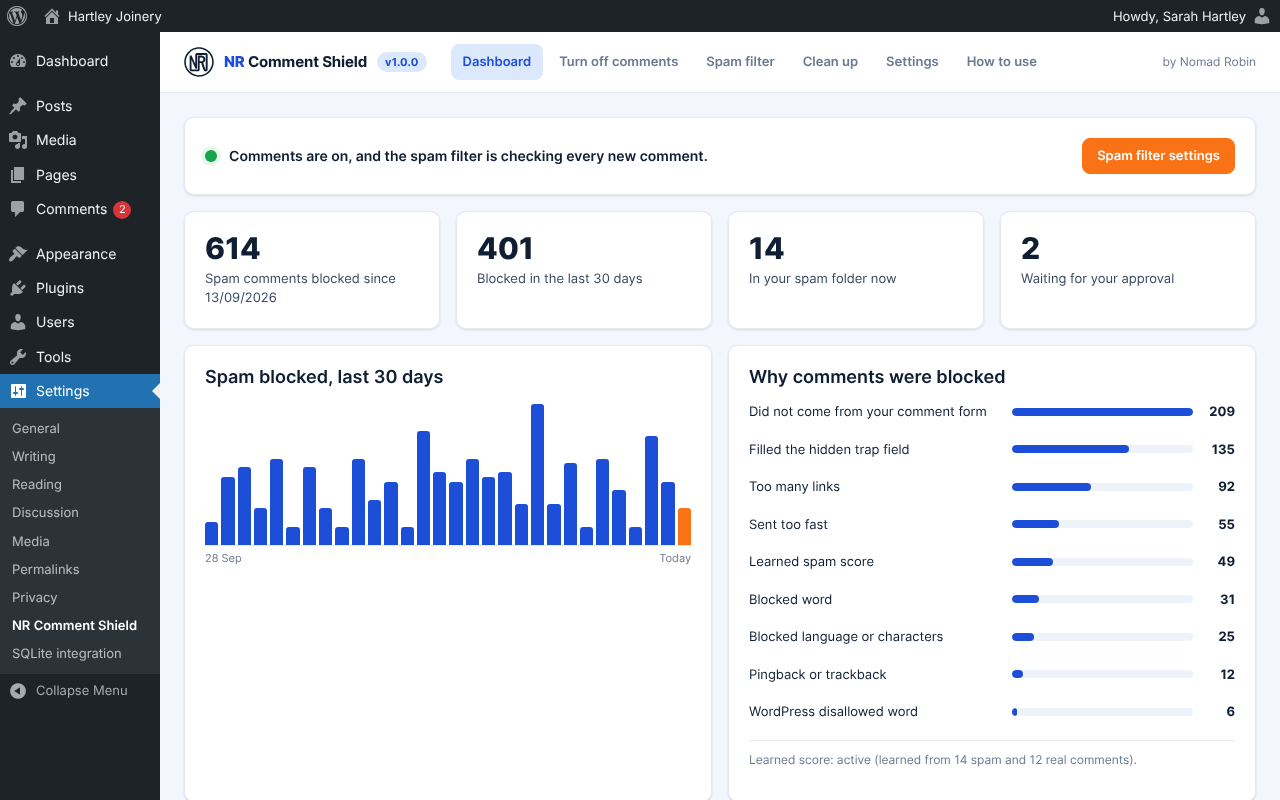
The Dashboard shows how much spam was stopped, a 30-day chart, why each comment was blocked and the most recent ones. The Clean up tab deletes thousands of old spam comments, pingbacks or old comments safely in batches, with a count and a confirmation first.
It loads nothing on your public pages apart from two tiny hidden fields in the comment form. No account, no API key, no monthly fee. Made by Nomad Robin, with a plain-English “How to use” tab built in.
Key features
- Turn comments off everywhere with one click
- Turn comments off for chosen content types only
- Hide existing comments where comments are off (or keep them read-only)
- Removes comment forms and comment blocks from classic and block themes
- Hides the Comments menu, the admin-bar bubble and Settings → Discussion
- Removes comment boxes from the WordPress dashboard
- Removes the Recent Comments widget and Latest Comments block
- Closes and redirects comment feeds
- Removes the comment REST API routes
- Removes XML-RPC comment and pingback methods
- Close comments on content older than a number of days, for any content type
- Nothing deleted: switch comments back on and everything returns
- Local spam filter with no outside service, account or API key
- Hidden trap field (honeypot)
- Time trap that also stops comments sent without your form
- Works with page caching
- Link limit per comment
- Your own blocked words and phrases
- Uses WordPress's Disallowed Comment Keys
- Language rule for alphabets you never get real comments in
- Learned spam score that improves as you mark spam and approve comments
- "Learn from my existing comments" button
- Reject pingbacks and trackbacks
- Optionally remove the Website field from the comment form
- Send caught comments to the spam folder or reject them
- Polite message for anyone caught by mistake
- Statistics: total blocked, last 30 days chart and reasons
- Recently blocked list with automatic clean-up
- Bulk delete comments by status, type, content type and age
- Count before deleting, and a confirmation
- Approved and waiting comments go to the Bin by default
- Runs in small batches with a progress bar, so big sites never time out
- Never touches other plugins' private comment types
- Suggested privacy-policy text added automatically
- Loads no scripts or styles on your public pages
- Keeps your data when uninstalled unless you choose otherwise
- Translation-ready
- Built-in "How to use" tab in plain English
- Version number shown on the plugin's screen
- Works on phones and tablets
- One price: use it on as many sites as you like
Screenshots
Details and requirements
| Version | 1.0.0 |
|---|---|
| Last updated | 27 October 2026 |
| Download size | 54 KB |
| Licence | GPL v2 or later (code) |
Changelog
- 1.0.0 27 Oct 2026 — First release
Questions
How do I get the plugin after paying?
Straight away: there's a download button on the thank-you page, and you'll get an email with your personal download link and licence key.
How do updates work?
Your download link always gives you the latest release of version 1: fixes, security updates and small improvements are included. A future version 2 would be a separate purchase, and you never have to upgrade.
Can I use it on more than one site?
Yes. One price, and you can use it on as many sites as you like.
Is support included?
No. Help, set-up and customisation aren't included in the price. If something doesn't work as described, report it through the support page and I'll put it right. Your legal rights are not affected.
Can I get a refund?
Your legal rights apply if the product is faulty or not as described, and if it doesn't work as described and I can't fix it, I'll refund you. Because it's a download, the usual 14-day change-of-mind right ends once you start the download. Full details are in the Digital Products Terms.
Prices in pounds. I'm not VAT registered, so no VAT is added. Digital Products Terms